Skip to content
Hypercharge Help Center
Search
Ctrl
K
Cancel
Hypercharge.com
Select theme
Dark
Light
Auto
Drivers
Getting started
Start and stop a charging session
Find a station in the app
What station statuses mean
Charging prices and idle fees
Accounts and billing
Add a payment method
Turn on automatic balance reloads
Set the currency for your Hypercharge account
Refund your Hypercharge account balance
RFID cards
Ordering a Hypercharge RFID card
Linking an RFID card to your Hypercharge account
Starting a charging session with RFID
Driver troubleshooting
Troubleshooting: unable to complete account setup in Hypercharge app
Station ownership & responsibilities
Why a charging session won't start
Release a connector stuck in your vehicle
Charging where there's no cell signal
Using other apps
Sites that use the ParkedIn app
Using other charging apps and roaming
Site owners
Onboarding
EFT form
Quantev site owner portal
Get started in Quantev
Dashboard
Manage your charging stations
Manage data in the Stations table
Manage drivers and driver groups
Add and manage Quantev portal users
Manage your Quantev account
Carbon credits
BC LCFS/carbon credit FAQs
Site owner troubleshooting
ABB emergency stop reset instructions
Power and load management
Load sharing guide
Partners and installers
EV charging connectivity guide
Charger models and spec sheets
Integration developers
Accessing the Eevion documentation
Hypercharge.com
Select theme
Dark
Light
Auto
Need more help?
Email support
Call 1-888-320-2633
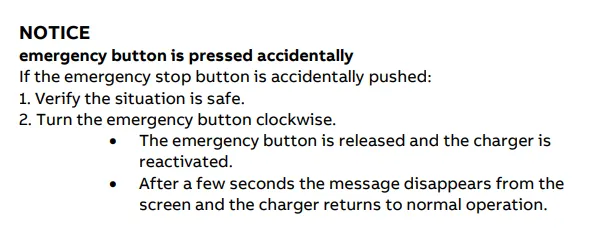
ABB emergency stop reset instructions
By:
Hypercharge Support
Last reviewed
August 1, 2026